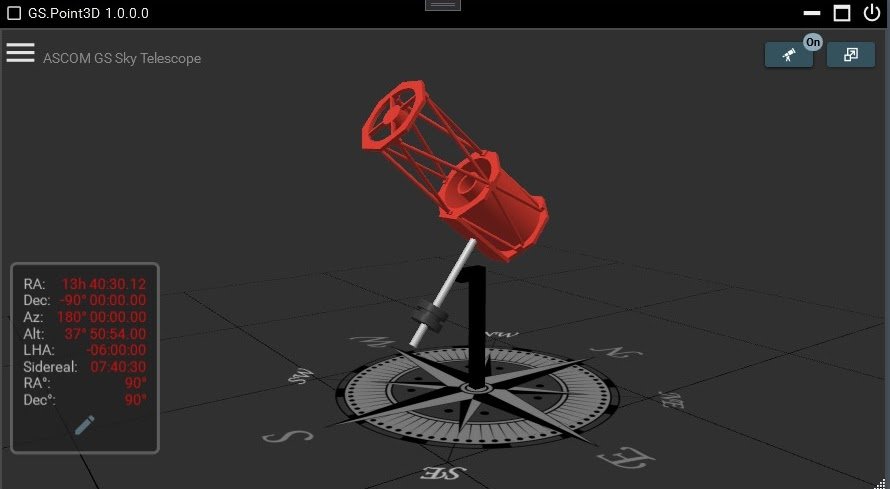
Screenshots
A tour of GS Server and Point3D. Select a screenshot to see it full size.
🔭 GS Server
About GS Server →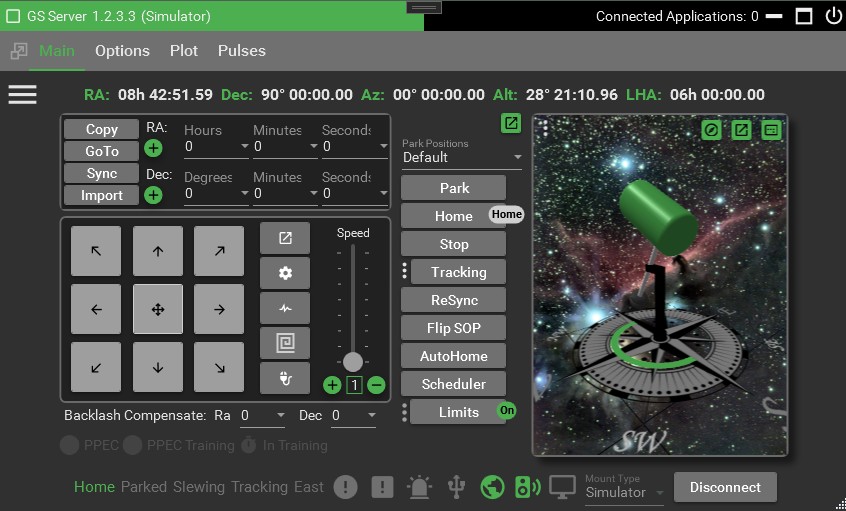 Main Tab
The controls needed to move and monitor the mount.
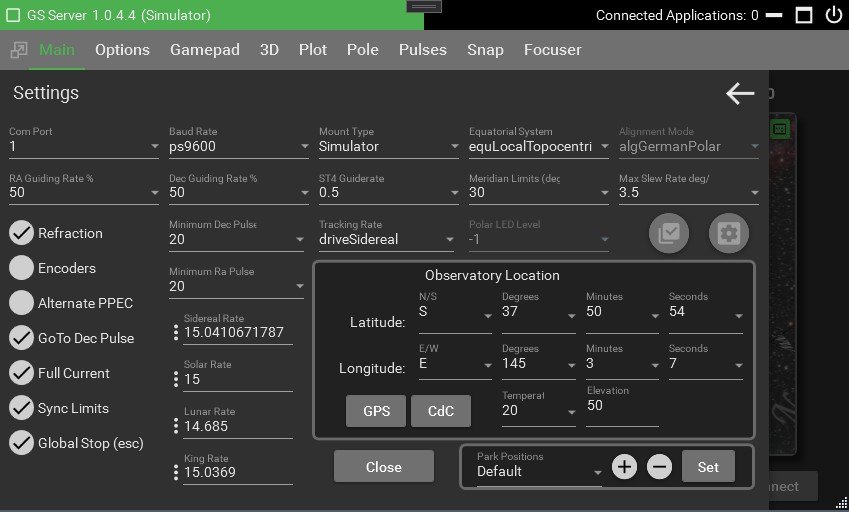 Main Tab Settings
All the basic mount settings, within easy reach of the main tab.
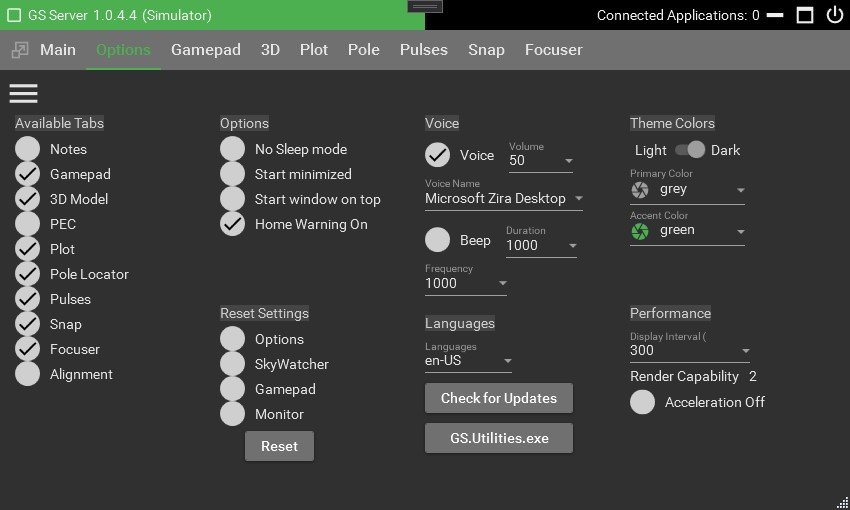 Options Tab
Set up themes, tabs, voice commands, beeps and more.
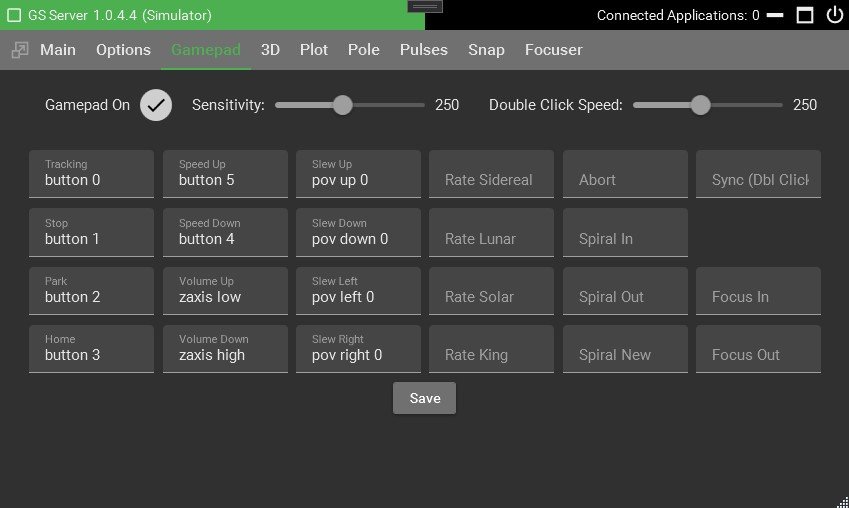 Gamepad Tab
Support for most gamepads.
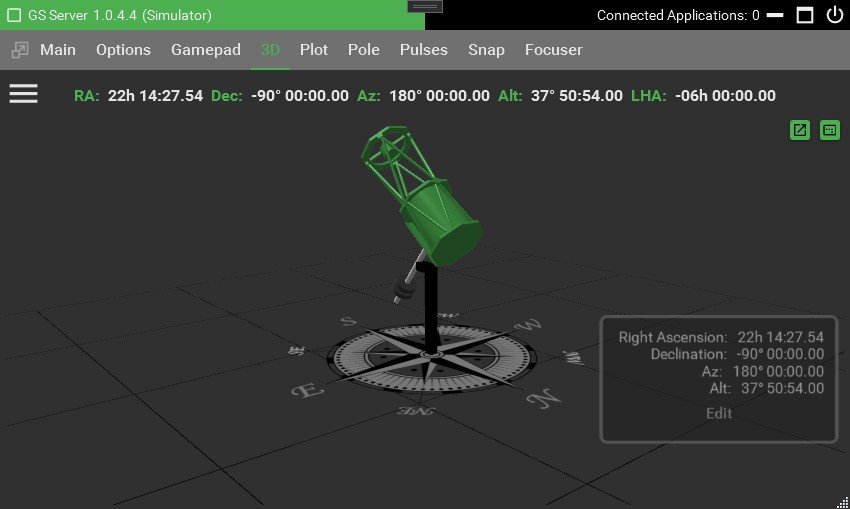 3D Tab
View the mount's position in 3D, in real time.
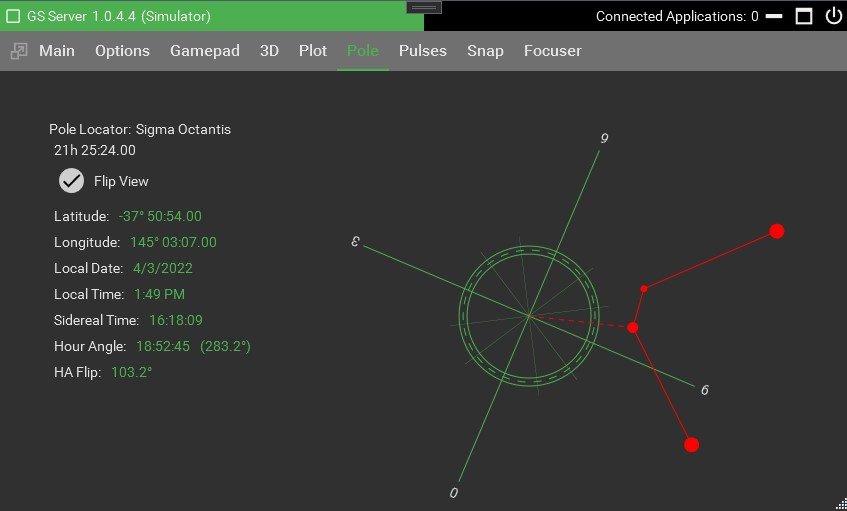 Pole Tab
Find the pole position for your polar scope.
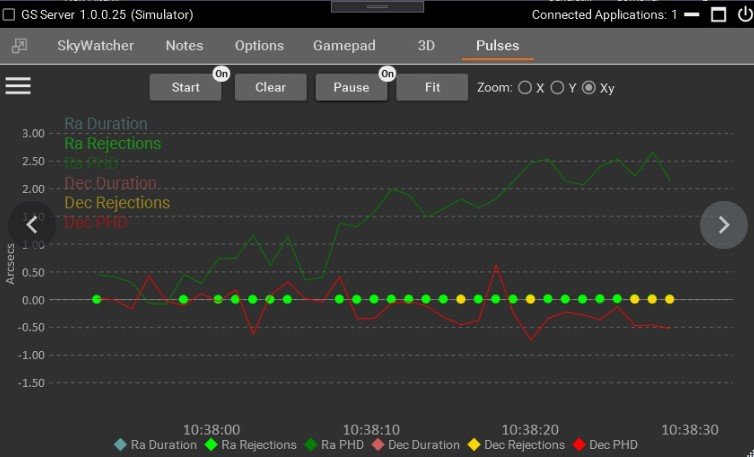 Pulses Tab
Monitor guiding and the quality of individual pulses live.
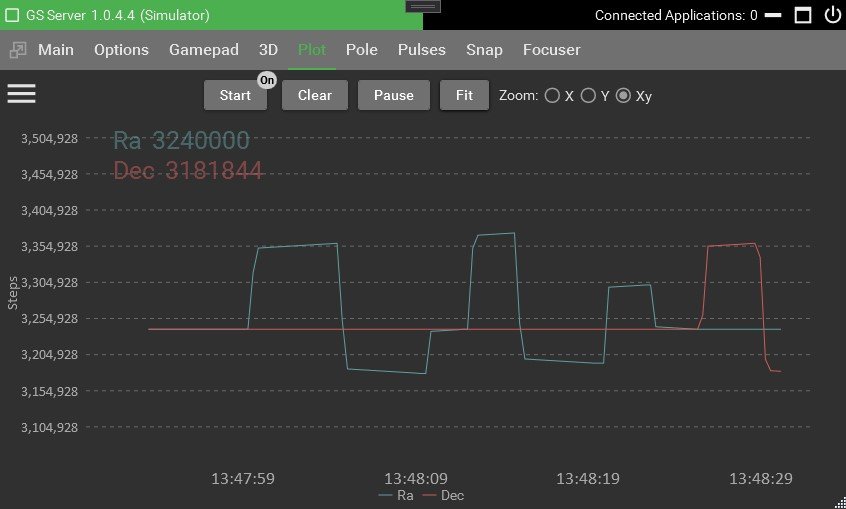 Plot Tab
Plot axis positions in real time to validate rates.
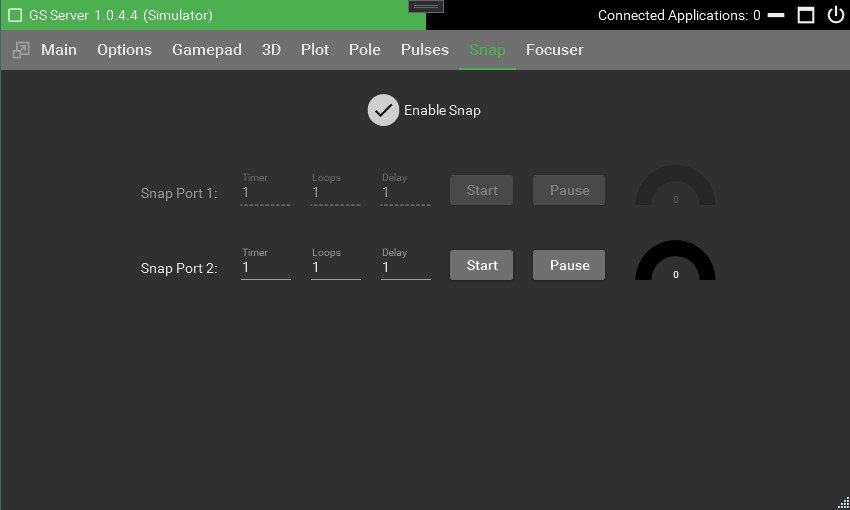 SNAP Tab
Trigger a DSLR when paired with a cable for your camera.
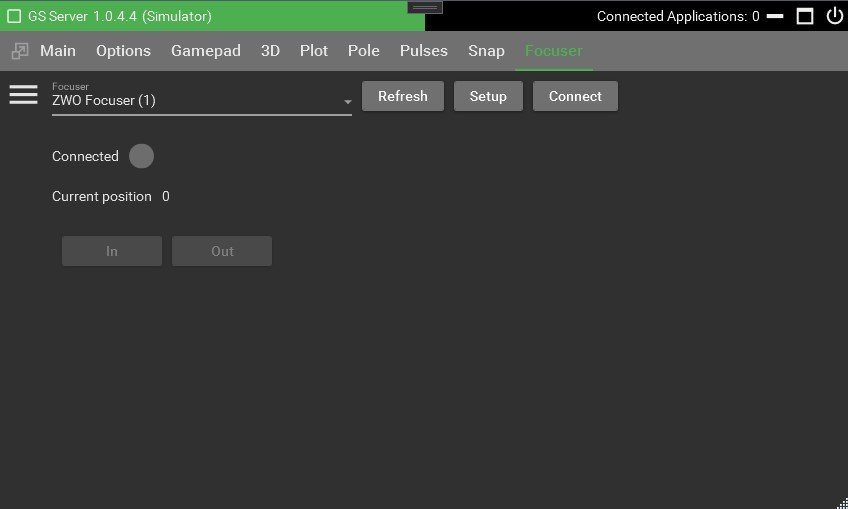 Focuser Tab
Control a separate ASCOM focuser.
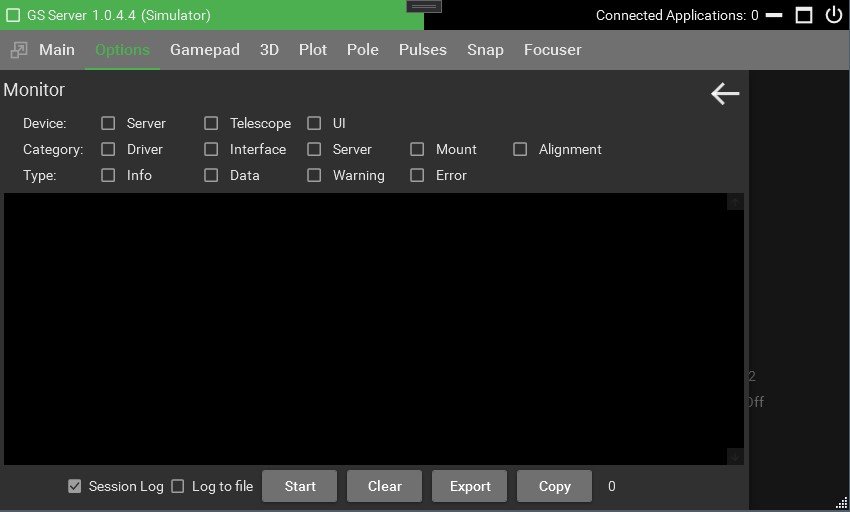 Monitor (logging)
Extensive logging, from connecting apps through to the mount.